Using Public Wi-Fi and Charging Stations Safely: Airports, Cafes and Stations
Free Wi-Fi and USB charging points are handy when you travel, but they carry real risks. Simple ways to stay connected, charge your phone and keep your accounts and data safe.
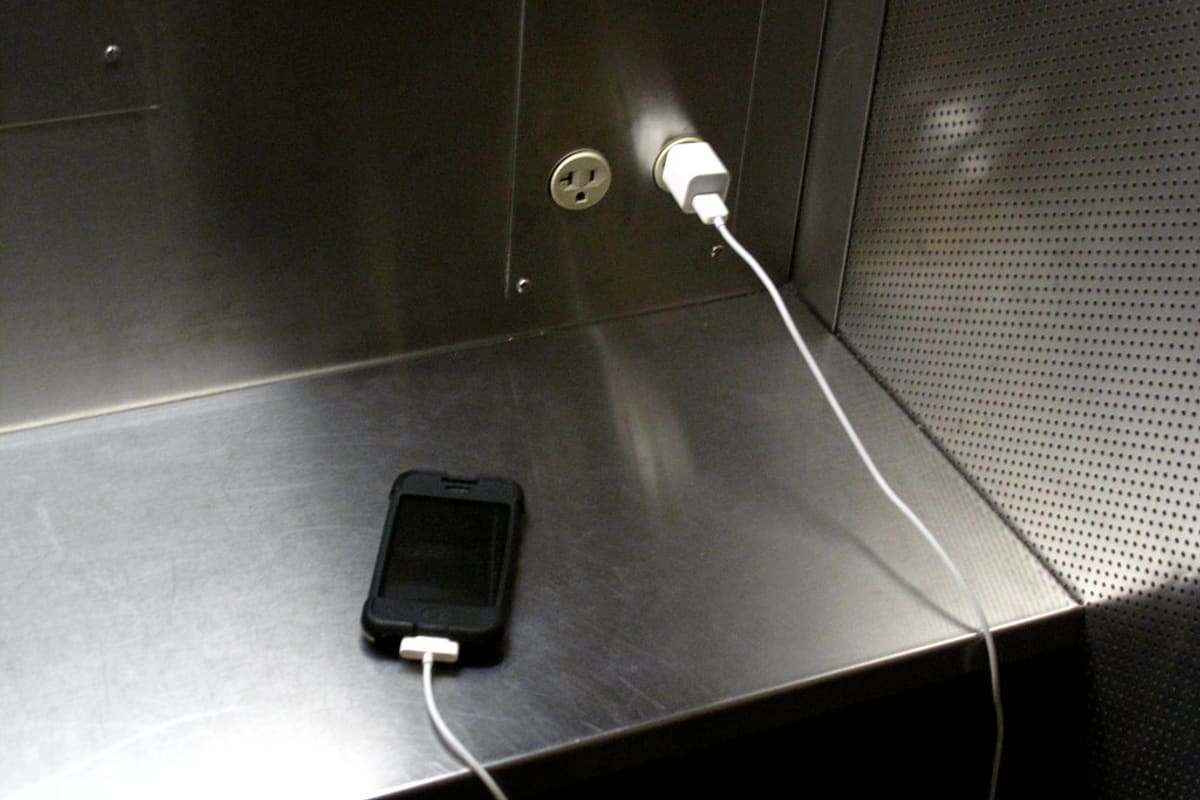
charging station. Photo: MattHurst via Flickr, CC BY-SA 2.0.
The phone is at 9 percent, the train is late and there is a free Wi-Fi network called "Station_Free_WiFi" right there. Most of us would connect without thinking twice. Public Wi-Fi and charging points at airports, railway stations, malls, hotels and cafes are genuinely useful. They are also places where a careless moment can expose your accounts, messages and photos.
You do not need to avoid them entirely. You just need to use them a little more thoughtfully.
What can go wrong on public Wi-Fi
On a network you do not control, you cannot be sure who set it up or who else is on it.
- Fake hotspots: anyone can create a network with a name like "Airport Free WiFi" or the name of a nearby cafe. If you connect, your traffic passes through their device.
- Snooping on open networks: on networks without a password, others nearby may be able to see some of the data from devices that are not using encryption.
- Fake login pages: some networks show a sign-in page that asks for your phone number, email or even social media password. A malicious one can steal these.
- Device exposure: if file sharing is switched on, other users on the same network may be able to see your device.
Most important apps and websites today use encryption, which protects much of what you do. But not everything is encrypted, and the fake login page trick works regardless.
Habits that make public Wi-Fi safer
- Confirm the exact network name with staff or official signage before joining, rather than picking the one that looks right.
- Prefer official networks, such as the ones run by the airport or railway, and sign in only with the details they genuinely need, such as an OTP to your number.
- Check that websites begin with "https" and show the padlock before entering any information. Treat any warning about an invalid certificate as a reason to stop.
- Avoid banking, large payments and logging in to important accounts on public Wi-Fi. Use mobile data for these, even if it is slower.
- Switch off automatic joining of open networks, and "forget" public networks after you have used them.
- Turn off file sharing and set your laptop's network type to "public" so it is less visible to others.
- Keep your phone and apps updated, since updates fix security holes that attackers use.
What about VPNs?
A VPN, or virtual private network, encrypts the connection between your device and the VPN company, which can add a layer of protection on public networks. It is not magic. You are shifting trust from the Wi-Fi operator to the VPN provider, so choose a reputable one and avoid unknown free VPN apps, some of which collect and sell data themselves. If you do not want to use a VPN, simply using mobile data for sensitive tasks gives you much of the same benefit.
Your own hotspot is often the better choice
If you have mobile data, sharing it from your phone to your laptop with a strong hotspot password is usually safer than joining a public network. It uses some of your data allowance, but for checking an email or making a payment, the trade-off is worth it.
The problem with public USB charging points
A USB cable carries both power and data. The concern with public charging stations is that a tampered USB port or a cable left behind could try to access data on your phone or install unwanted software. This is often called juice jacking. Modern phones have protections, and cases in daily life are not common, but the risk is easy to avoid, and official cyber security advisories in India and elsewhere have warned about it.
- Carry your own charger and plug it into a regular electrical wall socket rather than a USB port.
- Carry a power bank, charged at home, for long journeys.
- Use your own cable. Do not use cables left plugged in at a charging kiosk.
- A charge-only cable or USB data blocker, which lets power through but not data, gives extra peace of mind.
- If your phone asks whether to "trust this device" or allow file transfer when you plug in to charge, always choose no, or "charge only".
A short checklist before you travel
- Charge your phone and power bank fully.
- Pack your own charger and cable.
- Update your phone and apps.
- Make sure your screen lock is on and your important accounts use two-step verification.
- Note down the official Wi-Fi name of the airport or station if it is published.
If you think something went wrong
If you entered a password on a suspicious login page, change that password from a trusted network straight away, and change it anywhere else you have used the same one. Turn on two-step verification. If you notice unfamiliar transactions, contact your bank immediately and call the National Cyber Crime Helpline on 1930. For hacked social media or email accounts, use the platform's official account recovery process.
Frequently asked questions
Is it safe to use UPI on public Wi-Fi?
UPI apps use encryption, but it is still better to switch to mobile data for payments and banking. It removes the risk of fake hotspots and fake login pages entirely.
Is a password-protected public Wi-Fi safe?
It is better than an open network, but everyone who knows that password, such as all the customers of a cafe, is on the same network. Treat it as public and follow the same precautions.
Can someone hack my phone just by charging it?
Modern phones ask for permission before sharing data over USB, which makes this unlikely. Using your own charger in a wall socket, or a power bank, removes the risk completely.
Stay connected, stay careful
Public Wi-Fi and charging points are not the enemy. Used with a bit of care, they make travel easier. Keep sensitive tasks on mobile data, bring your own charger and say no to unexpected prompts, and you can enjoy the convenience without handing over anything you would rather keep.